AI Living Room Design: Redesign Your Living Room in Under 60 Seconds
Use AI living room design to visualize your space in 100+ styles instantly. Get photorealistic results before spending on furniture or hiring a designer.
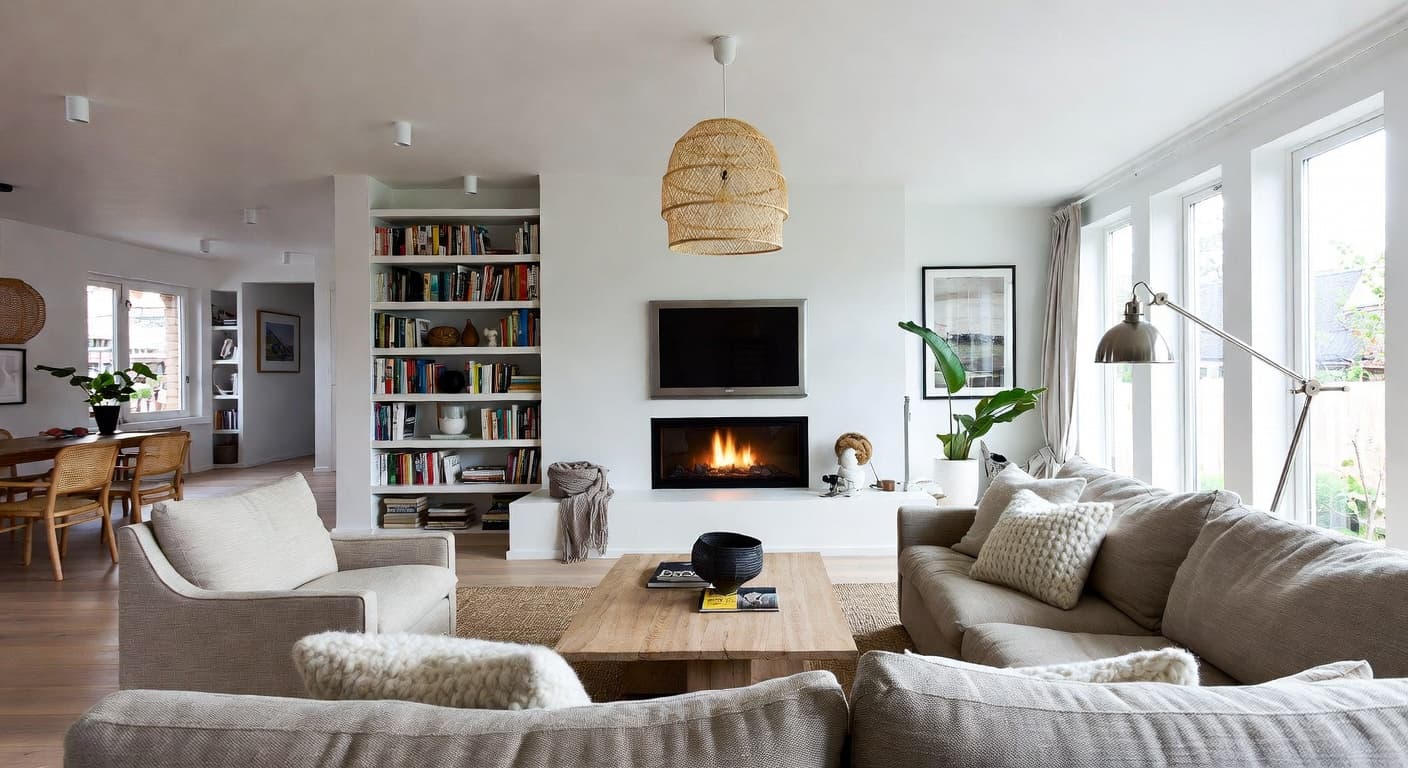
Your living room sets the tone for your entire home. It's the first room guests see, the space where you spend the most waking hours, and the single biggest factor in how your home feels. AI living room design lets you see exactly how your space would look in a completely different style — Scandinavian, farmhouse, Art Deco, coastal, or any of 100+ options — in about 60 seconds. No mood boards, no guesswork, no $3,000 designer retainer.
What is AI living room design? It's a tool that takes a photo of your existing living room and generates a photorealistic image of that same room redesigned in a new style. The AI preserves your room's dimensions, windows, and layout while transforming furniture, colors, textures, and decor. You get a realistic preview of the outcome before buying a single throw pillow.
Why the Living Room Is the Highest-Stakes Room to Redesign
Bedrooms are private. Bathrooms are functional. Kitchens have a clear purpose. But living rooms carry the full weight of your design taste — and everyone sees them.
The living room is also where design decisions compound the fastest. A sofa costs $1,500 to $5,000. An area rug adds $500 to $2,000. Coffee table, side tables, lighting, curtains, artwork — a full living room furnishing runs $5,000 to $20,000 for most homeowners. Buy the wrong sofa and everything else has to work around that mistake.
Traditional interior designers charge $150 to $500 per hour partly because living room design requires balancing so many elements at once. Seating layout, traffic flow, focal points, proportion, color harmony, lighting layers — each decision affects every other.
AI living room design tools compress the exploration phase from weeks to minutes. Instead of imagining how a mid-century modern coffee table would look next to your existing sofa, you see it rendered in your actual room with correct proportions and lighting.
How AI Living Room Redesign Works
Three steps. About 60 seconds from upload to result.
1. Upload a photo of your living room. Use your phone or any existing photo. Wider shots that capture the full room — ceiling to floor, wall to wall — produce the best results. Include your main seating, windows, and at least one wall for context.
2. Choose your design style. NewInterior AI offers over 100 design styles — far beyond the typical handful you'll find elsewhere. You can pick a single style or use style fusion to blend two aesthetics, like Scandinavian-industrial or coastal-farmhouse. You can also dial in specific preferences for color palette, materials, and lighting mood through advanced options.
3. Get your redesign. Our AI generates a photorealistic image of your living room transformed into the chosen style. It keeps your room's bones — the layout, windows, ceiling height, natural light — while replacing everything else. The result is specific to your space, not a generic stock render.

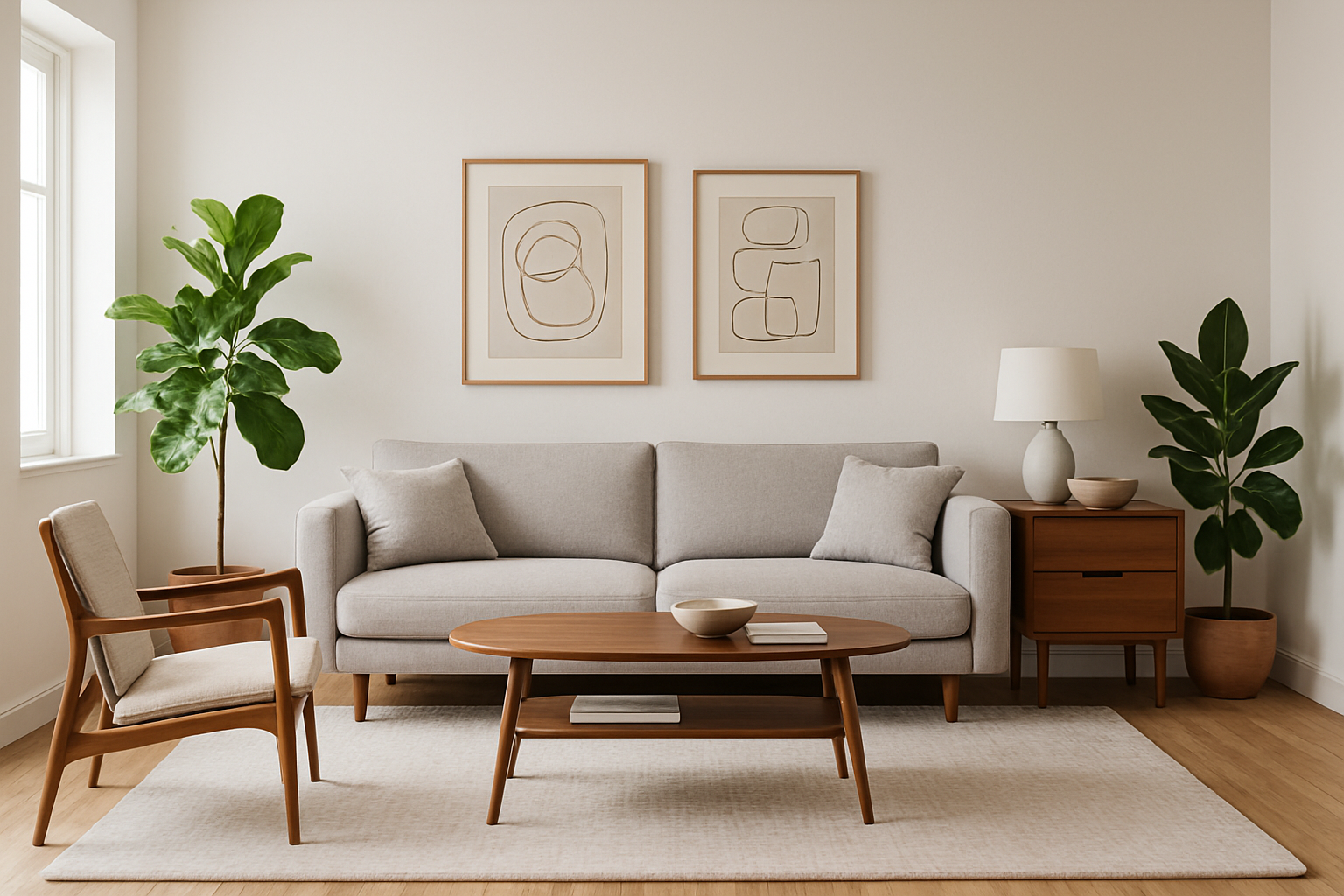
Our platform uses a latest-generation AI model that produces notably more realistic results than older tools. The difference shows up most clearly in living rooms where texture variety matters: the weave of a linen sofa, the grain of a walnut coffee table, the sheen of a brass floor lamp. These material details are what separate a useful design preview from a blurry suggestion.
5 Living Room Styles That Work Exceptionally Well With AI
Some styles translate to AI-generated redesigns better than others. These five consistently produce strong, actionable results because their visual signatures are distinct and well-defined.
Scandinavian Living Room
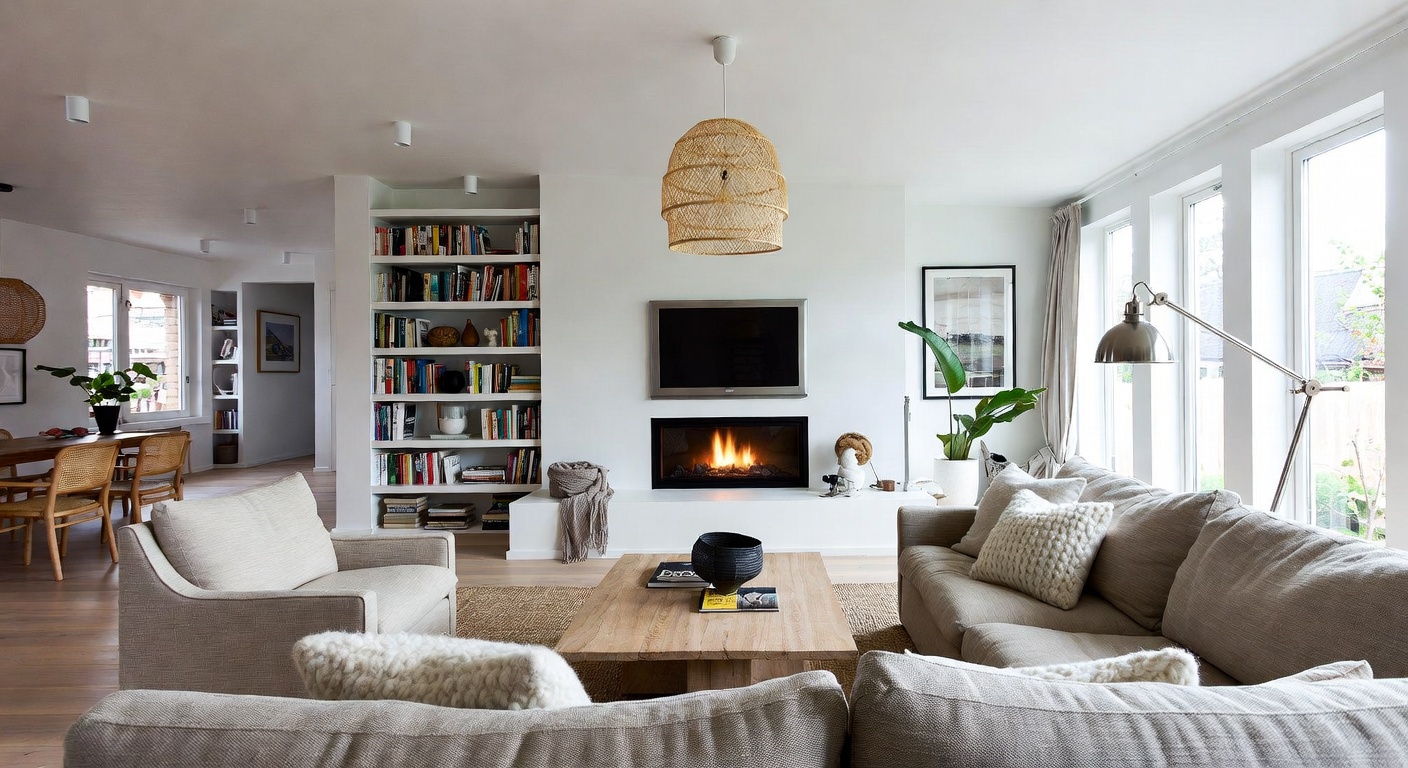
Light wood floors, neutral textiles, clean-lined furniture, and plenty of white space. Scandinavian living room design is one of the most-requested AI redesigns because the style is approachable and works in almost any room shape or size. It's particularly effective for smaller living rooms where the light palette creates a sense of openness.
Key elements the AI captures: low-profile sofas in muted tones, light oak or birch furniture, sheepskin throws, simple pendant lighting, curated shelf displays with minimal clutter.
Farmhouse Living Room
Warm, layered, and inviting. Farmhouse living rooms combine rustic textures with comfortable upholstery and vintage-inspired accents. This style has wide appeal because it feels lived-in without looking messy.
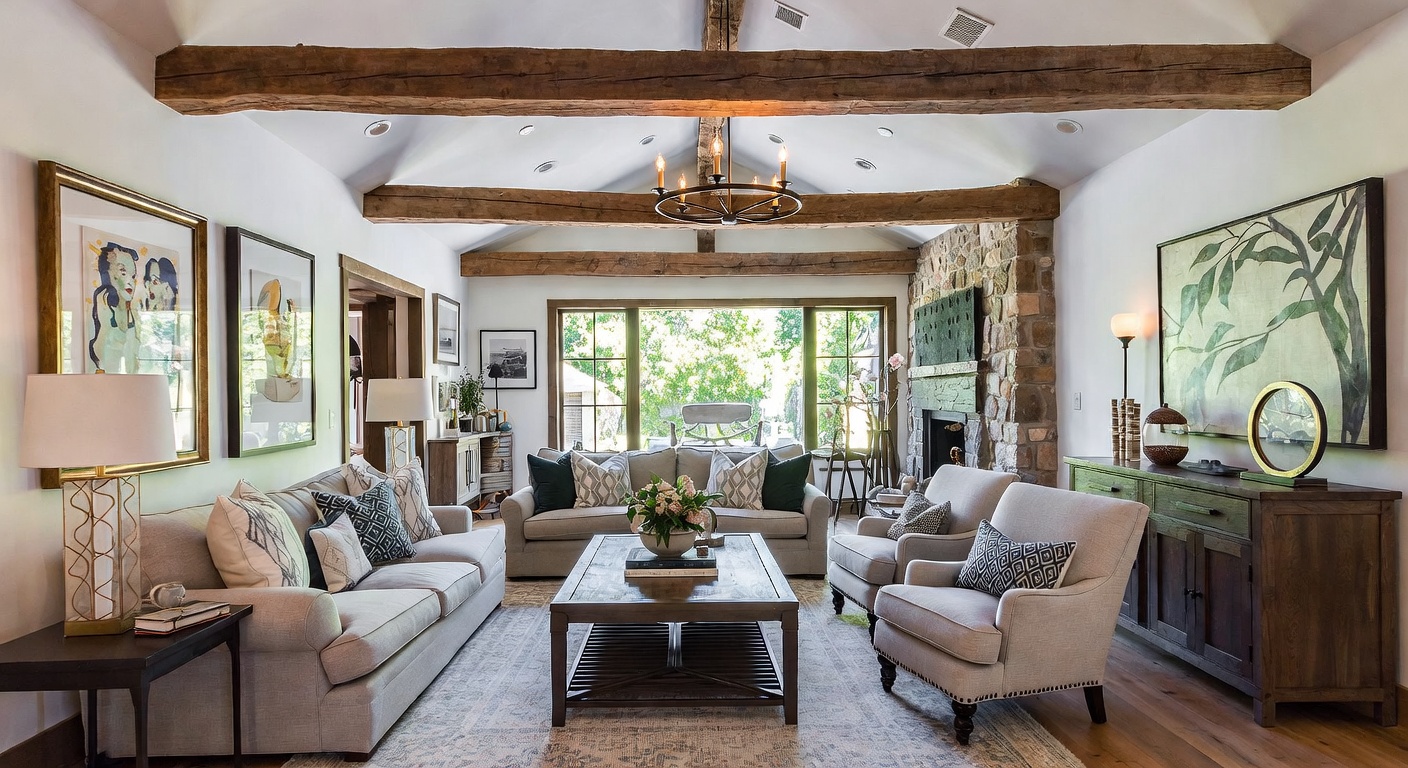
Key elements the AI captures: exposed wood beams, slipcovered sofas, distressed wood furniture, woven baskets, shiplap accent walls, warm-toned lighting fixtures, layered textiles.
Art Deco Living Room
Bold geometry, rich materials, and deliberate glamour. Art Deco involves strong visual patterns, and AI renders the symmetry and material contrast — velvet against brass, marble against lacquer — with striking clarity.
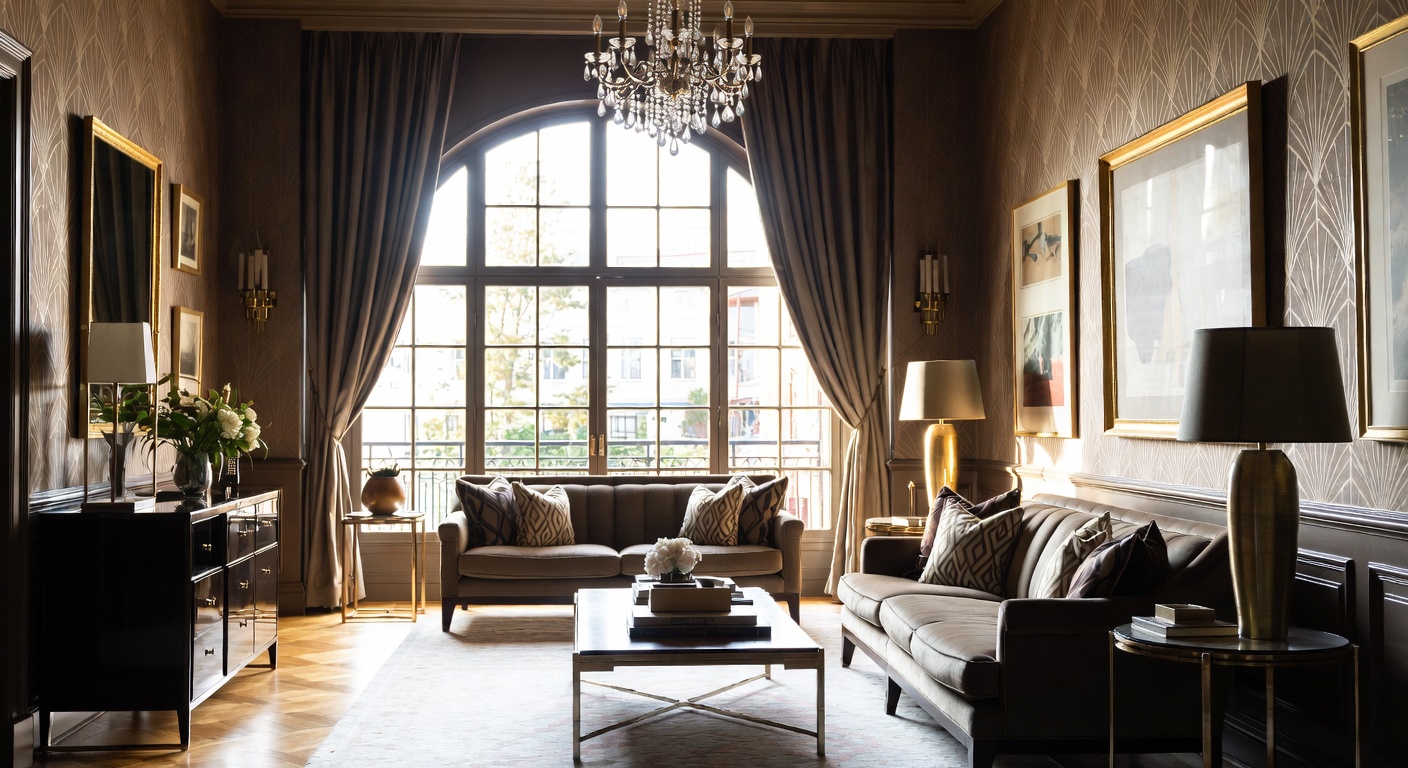
Key elements the AI captures: channel-tufted sofas, geometric mirrors, gold or brass hardware, jewel-tone upholstery, sunburst motifs, lacquered surfaces, bold patterned rugs.
Coastal Living Room
Relaxed, airy, and grounded in natural tones. Coastal design works well with AI because the palette is consistent (blues, whites, sandy neutrals) and the material vocabulary is recognizable (rattan, linen, driftwood, sisal).
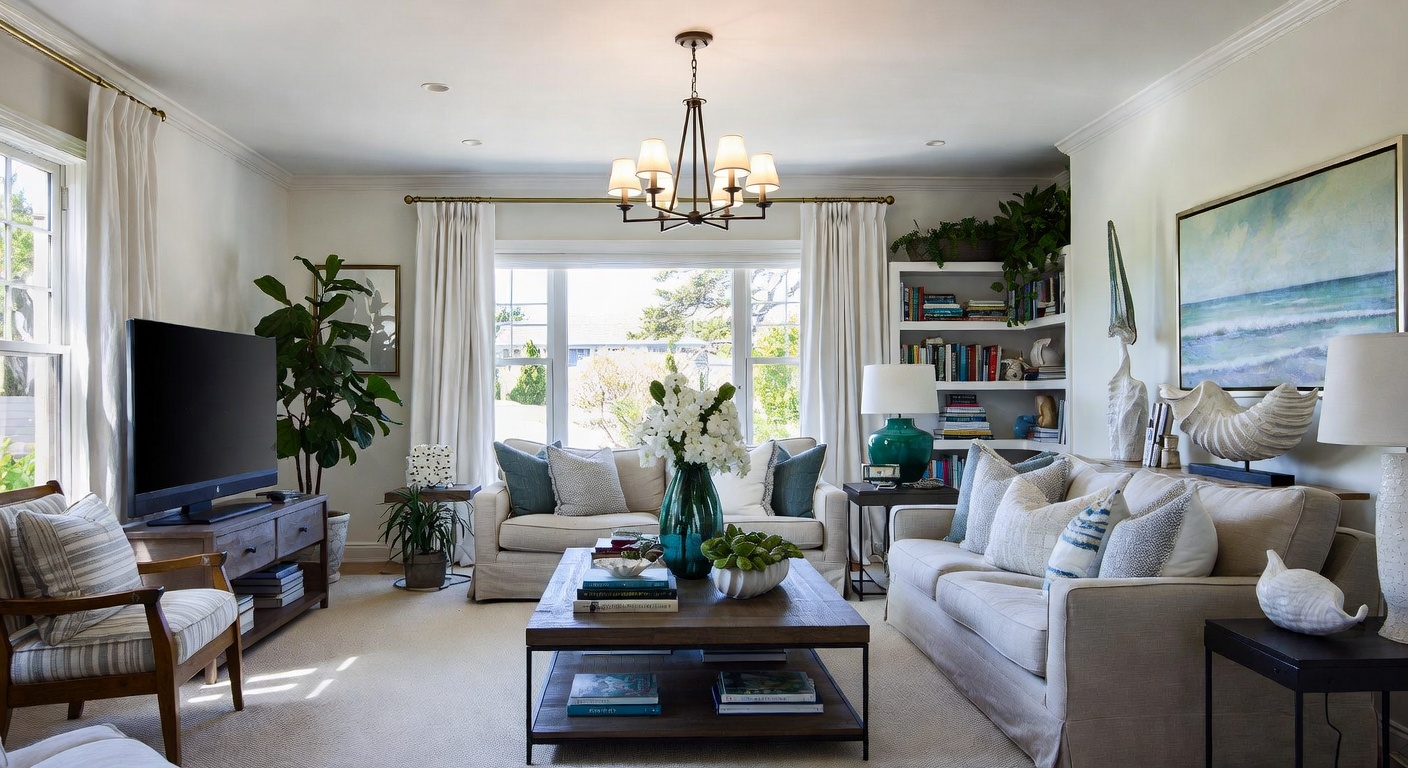
Key elements the AI captures: slipcovered seating in white or natural linen, woven rattan chairs, jute or sisal rugs, blue accent pillows, driftwood or whitewashed wood surfaces, sheer curtains.
Mediterranean Living Room
Warm earth tones, textured walls, arched doorways, and hand-crafted details. Mediterranean living rooms have a richness that's difficult to imagine from a Pinterest board alone — which makes AI visualization especially valuable here.
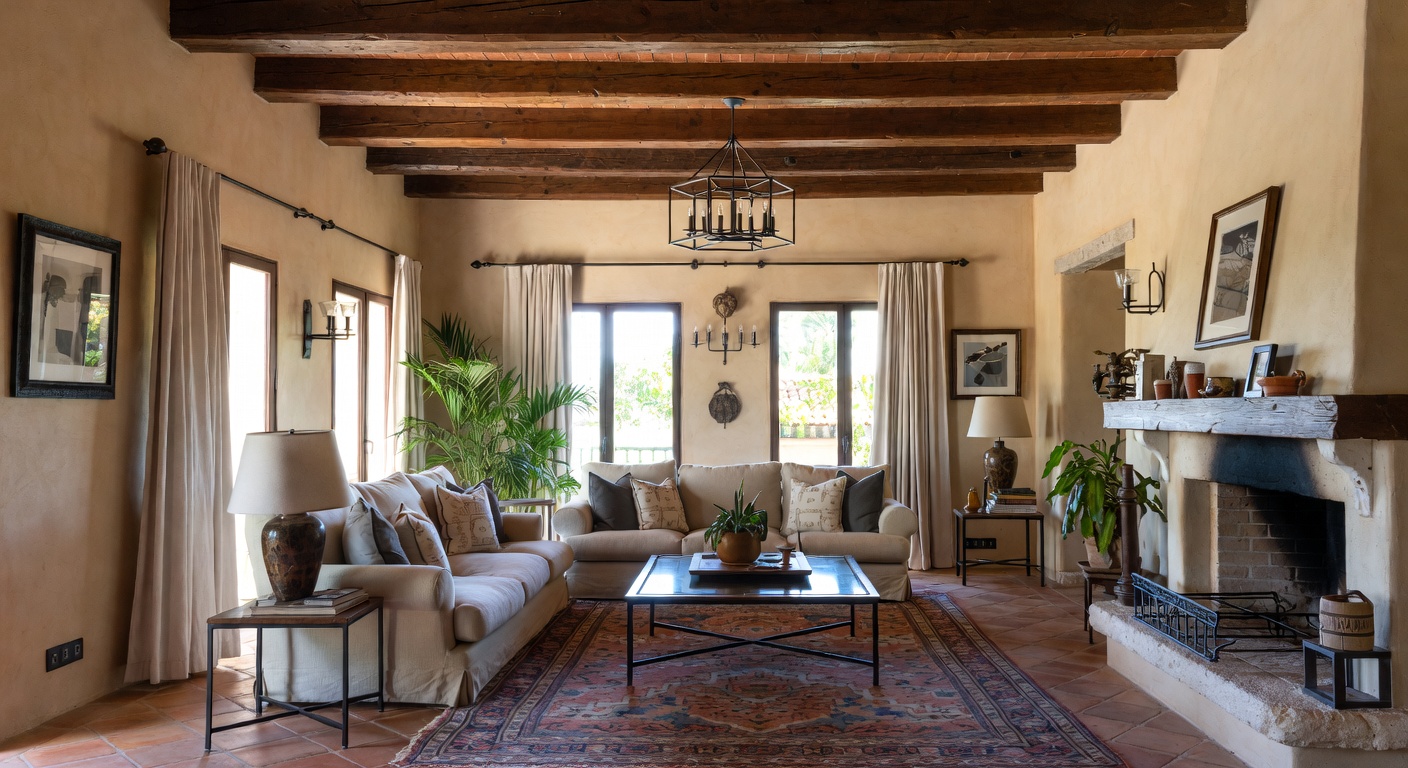
Key elements the AI captures: stucco or plaster wall textures, wrought iron fixtures, terra cotta floors, heavy wood furniture, mosaic tile accents, warm ambient lighting.
Open Concept vs. Separate Living Room
One of the biggest layout decisions homeowners face is whether to keep the living room as a defined space or open it to the kitchen and dining area. An open concept layout creates flow and sight lines. A separate living room offers quiet and visual containment.
AI living room design helps you evaluate both scenarios without knocking down a wall. Upload your current space and generate redesigns that account for the visual connection (or separation) between rooms. You'll see how a style carries across an open floor plan or how a defined living room can feel more intimate with the right furniture arrangement.
This is one of the highest-value uses of AI design tools. Removing a load-bearing wall costs $3,000 to $10,000. Discovering you preferred the separate layout after demolition isn't something you can undo cheaply. Seeing it first costs nothing.
Small Living Room Strategies With AI
Small living rooms need more design discipline, not less. Every piece has to earn its place, and proportion mistakes are magnified. AI is particularly useful here because it shows you how a style actually works at your room's scale — not in a 500-square-foot showroom photo.
Test light-palette styles first. Scandinavian, Japandi, and coastal styles tend to make small rooms feel larger through their use of white space and light materials. You can verify this with your specific room before committing.
Evaluate furniture scale. A sectional sofa that looks perfect in an inspiration photo might overwhelm your 12x14 room. AI renders the furniture at correct proportions relative to your actual space, so you can see whether a full sectional or a loveseat with two accent chairs makes more sense.
Try accent walls. An accent wall in a bold color or textured material can add depth to a small living room without making it feel cluttered. AI lets you test different wall treatments — dark paint, wood paneling, wallpaper, stone — to see which one adds dimension rather than closing the room in.
For more strategies on working with limited square footage, see our guide on how to make a small room look bigger.
What AI Living Room Design Costs vs. Alternatives
| Approach | Typical Cost | Timeline | What You Get |
|---|---|---|---|
| AI living room design | Free to start, credits from $15 | 60 seconds per design | Photorealistic rendering of your room in any style |
| Online interior designer | $400 - $1,500 | 1-3 weeks | Moodboard, furniture plan, shopping list |
| In-person interior designer | $2,000 - $8,000 | 3-6 weeks | Full design plan, sourcing, project management |
| Full living room furnishing | $5,000 - $20,000+ | 4-12 weeks | Purchased furniture and completed room |
The smartest approach layers these options. Start with AI to explore 10 or 20 styles in under 15 minutes. Narrow your direction to 2 or 3 favorites. Then take those renderings to a designer or start shopping for specific pieces with confidence. You skip the most expensive and time-consuming part of the process — figuring out what you want.
Tips for Getting Better Living Room AI Results
Photograph from the doorway. The entry angle captures the room the way visitors experience it. It also tends to show the most complete view — seating arrangement, focal wall, windows, and flooring all visible in one shot.
Shoot during the day. Natural light gives the AI accurate information about your room's light quality and window placement. It adjusts the redesign to work with your actual lighting conditions rather than guessing.
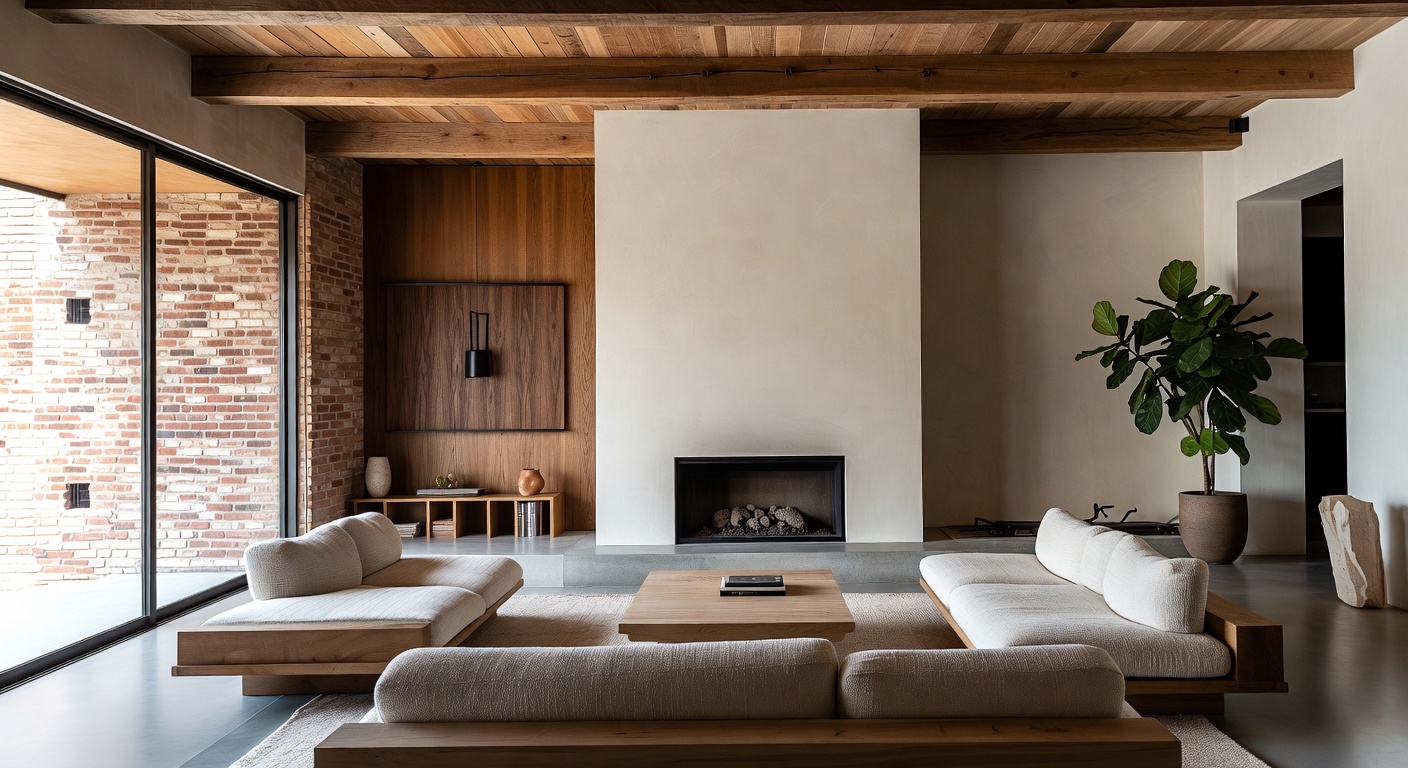
Include the floor and ceiling. A photo cropped to just the sofa and coffee table limits what the AI can transform. Showing the full vertical span of the room lets it redesign flooring, ceiling treatment, crown molding, and overhead lighting.
Run at least five styles. The point of AI design is speed. Don't stop at the first style that looks decent. Your living room in modern might look good, but the same room in wabi-sabi or transitional might surprise you. Spend 10 minutes generating a range before settling on a direction.
Use advanced options for precision. Beyond style selection, specify preferred colors, materials (velvet, leather, oak, marble), and lighting mood (warm ambient, bright and airy, moody and dramatic). These parameters steer the AI away from generic interpretations and toward your personal taste.
Explore full-home consistency. If you're redesigning more than the living room, AI interior design tools let you design multiple rooms in a coordinated style. A living room, dining room, and entryway in matched coastal style creates cohesion that's hard to achieve room by room. Our house design feature generates a moodboard first, then applies it consistently across every room.
Frequently Asked Questions
Can AI redesign a living room with an unusual layout?
Yes. The AI works from your actual room photo, so it accounts for non-standard shapes, awkward corners, large windows, or off-center fireplaces. L-shaped rooms, sunken living rooms, and rooms with alcoves all produce usable results. The more of the room visible in your photo, the more complete the redesign.
How realistic are AI living room renderings?
Realistic enough to make confident purchasing decisions. Our AI renders individual material textures — the nap of velvet, the grain of walnut, the weave of jute — at a level of detail that distinguishes between similar-looking options. They're design visualization tools, not architectural blueprints. You'll know what style and materials you want. You'll still need measurements for ordering furniture.
Is this better than using a mood board?
A mood board shows you a collection of disconnected images that represent a vibe. AI living room design shows you your specific room redesigned in that vibe. The distinction matters because a Scandinavian living room in a brownstone with arched windows looks nothing like a Scandinavian living room in a modern condo with floor-to-ceiling glass. AI gives you space-specific results that mood boards can't.
How many design styles can I try?
NewInterior AI offers over 100 styles, and you can try every single one on your living room photo. Most users generate between 5 and 20 variations before identifying their preferred direction. You can also use style fusion to combine two styles — like Scandinavian-bohemian or modern-rustic — which expands the possibilities further. Browse the full list on our room makeover ideas page.
Can I use the AI result to shop for furniture?
Absolutely. The renderings show specific furniture shapes, material textures, and color tones that translate directly to shopping decisions. Many users screenshot their favorite AI result and use it as a visual reference while browsing furniture stores. For even more direct shopping, our Shop This Room feature analyzes your AI-generated design and recommends real, purchasable products that match what's shown in the rendering.
Start Redesigning Your Living Room
Your living room redesign doesn't have to start with a $3,000 designer consultation or a weekend of Pinterest scrolling that leads nowhere. Upload one photo, test a dozen styles, and see your actual room transformed in under a minute. You'll know exactly what direction to take before you spend a dollar.
Try NewInterior AI free and redesign your living room today.
Ready to Transform Your Space?
Try NewInterior AI and get professional interior designs in seconds.
Get Started Free