Virtual Staging with AI: The Complete Guide for Home Sellers and Agents
AI virtual staging costs 97% less than physical staging and takes minutes, not days. Learn how to stage any listing with photorealistic results that sell homes faster.
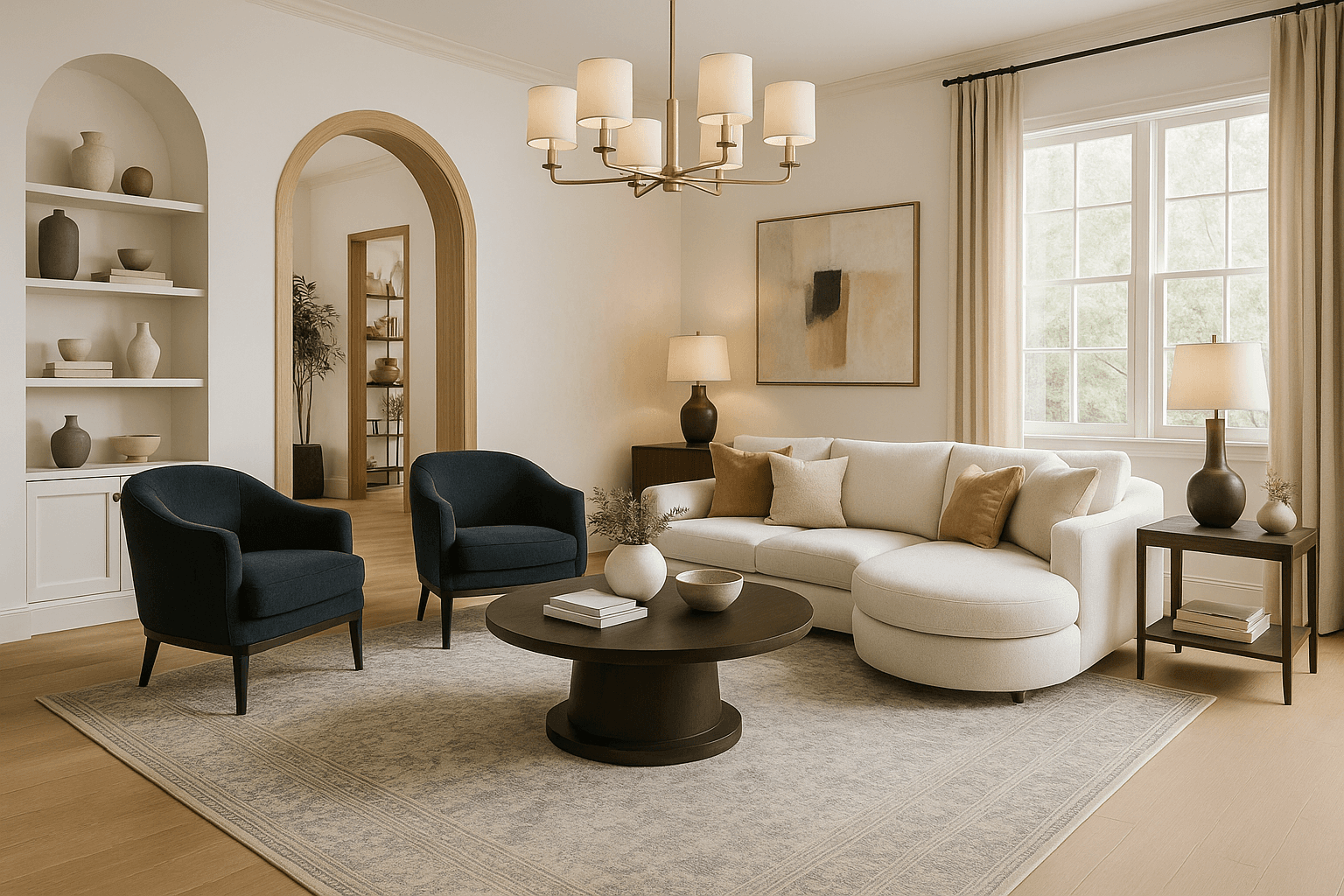
Professionally staged homes sell 88% faster and for up to 20% more than unstaged properties, according to the National Association of Realtors. The problem is cost: physical staging runs $2,000 to $8,000 per listing and ties up a property for weeks. Virtual staging with AI eliminates both barriers. You upload a photo, pick a style, and get a photorealistic staged image in under a minute — for a fraction of what a staging company charges.
This guide covers everything sellers, agents, and photographers need to know about AI virtual staging: how it works, what it costs, when to use it, how to stay compliant with MLS rules, and which rooms give you the highest return.
What Is AI Virtual Staging?
AI virtual staging is the process of using artificial intelligence to digitally furnish and decorate empty or outdated rooms in listing photos. Unlike traditional virtual staging — where a graphic designer manually places 3D furniture models into photos over 24 to 48 hours — AI staging happens in seconds. The AI analyzes your room's dimensions, lighting, and architecture, then generates a photorealistic image with appropriate furniture, decor, and styling.
The result is a fully staged photo that buyers can browse on Zillow, Realtor.com, or any MLS listing. No furniture rental. No moving trucks. No scheduling around showings.
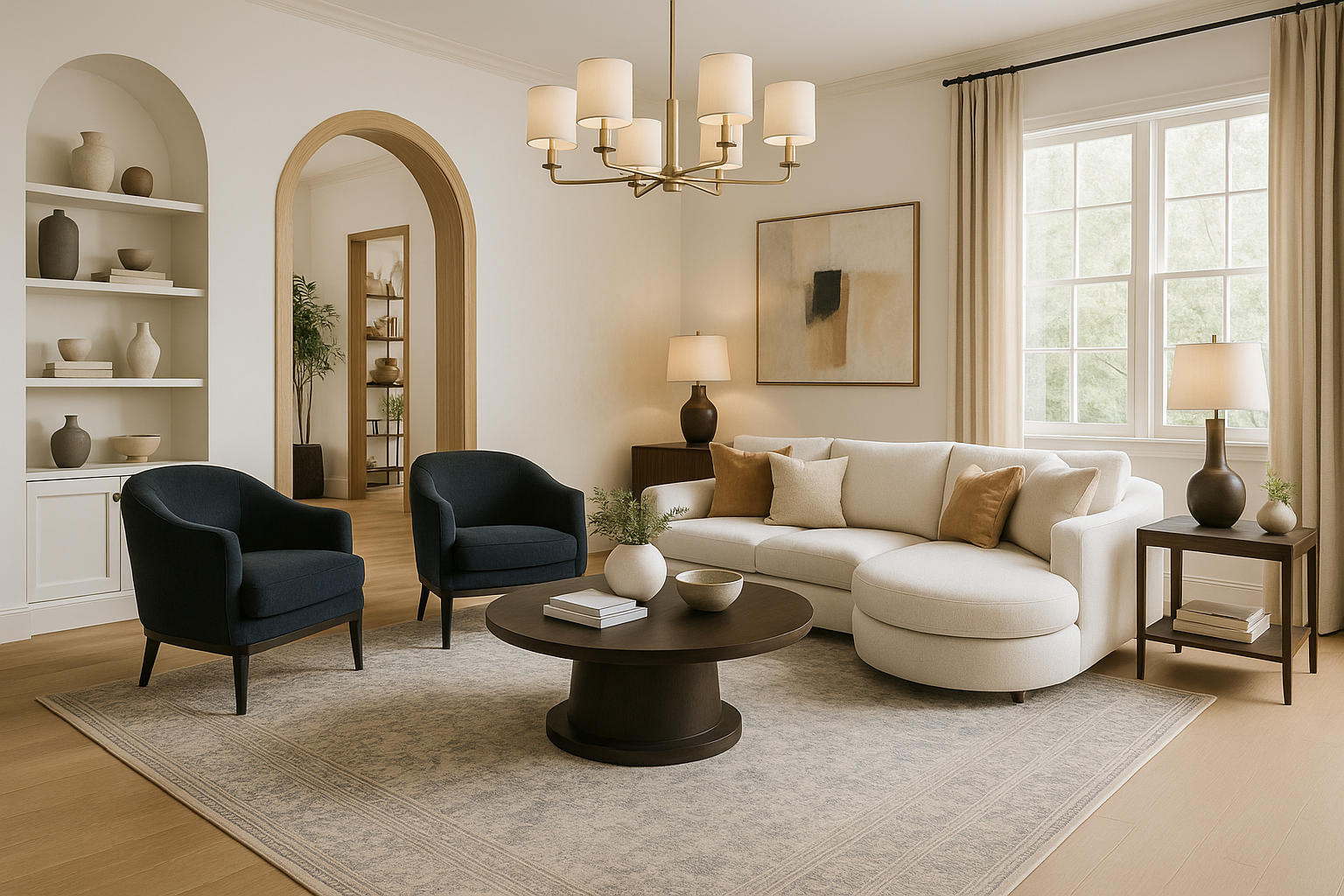
Modern AI staging tools like NewInterior AI use latest-generation AI models that produce results dramatically more realistic than the flat, obviously-fake virtual staging of five years ago. Today's output renders accurate fabric textures, natural light behavior, realistic shadows, and correct spatial proportions — details that make staged photos indistinguishable from physical staging at first glance.
How AI Virtual Staging Works
The process has three steps and takes about 60 seconds.
1. Upload your listing photo. Use any photo from your MLS shoot or even a smartphone snap. Wider shots that capture full rooms — floor to ceiling, wall to wall — produce the best results. The photo can show an empty room, a room with existing furniture you want replaced, or a partially furnished space.
2. Choose a staging style. This is where AI staging outperforms traditional options. Physical staging locks you into one look. AI lets you generate the same room in multiple styles — modern, transitional, farmhouse, coastal, Hamptons — and test which resonates with your target buyer demographic. NewInterior AI offers over 100 design styles plus style fusion, which blends two aesthetics into one.
3. Get your staged photo. Our AI generates a photorealistic image of the room fully staged in your chosen style. It preserves architectural elements — windows, moldings, built-ins, flooring — while adding furniture, art, lighting, rugs, and decor that match the selected style. The output is a high-resolution image ready for MLS upload.

That before-and-after difference is what sells properties. Empty rooms photograph flat and small. Staged rooms show buyers how to live in the space — where the sofa goes, how big the dining table can be, what the room feels like furnished. AI staging delivers that transformation in a fraction of the time and cost.
Virtual Staging vs. Physical Staging
Here's how the two approaches compare across the factors that matter most to sellers and agents.
| Factor | Physical Staging | AI Virtual Staging |
|---|---|---|
| Cost per room | $500 - $2,000 | $1 - $30 |
| Cost per listing (5 rooms) | $2,500 - $8,000 | $5 - $150 |
| Turnaround time | 3 - 7 days | Under 60 seconds |
| Style options | 1 (whatever the stager provides) | Unlimited (100+ styles) |
| Changes/revisions | Expensive and time-consuming | Regenerate in seconds |
| Ongoing rental costs | $500 - $1,500/month | None |
| Logistics | Furniture delivery, setup, removal | Upload a photo |
| Quality | Excellent (physical) | Photorealistic (digital) |
| In-person showing match | Yes — furniture is there | No — buyers see empty room |
Physical staging has one clear advantage: the furniture is actually there during showings. Buyers walk into a furnished space, which creates an emotional connection that photos alone cannot fully replicate. For luxury listings above $1 million, many agents still recommend physical staging for this reason.
For everything else — especially in the sub-$500K market where margins are tighter — AI virtual staging delivers 90% of the marketing benefit at 3% of the cost. The photos that drive online interest and showing requests look just as compelling, and that's where most buyers make their initial decisions.
Best Rooms to Virtually Stage
Not every room in a listing needs staging. Focus your budget and effort on the rooms that drive buyer decisions.
Living Room
The living room appears in the first three to five photos of almost every listing. It's the room buyers evaluate first, and it's the hardest to envision empty. Virtual staging shows buyers the scale of furniture that fits, the flow of the space, and the lifestyle the home supports.

An empty living room looks smaller than it is. A staged living room with a properly scaled sectional, coffee table, and area rug instantly communicates the room's potential. For tips on creating AI living room designs that resonate with buyers, start with neutral palettes and current furniture silhouettes.
Primary Bedroom
The primary bedroom is the second most-viewed room in any listing. Buyers want to see that their king bed fits, that there's room for nightstands, and that the space feels restful. An empty bedroom with bare walls and carpet reads as small and generic.
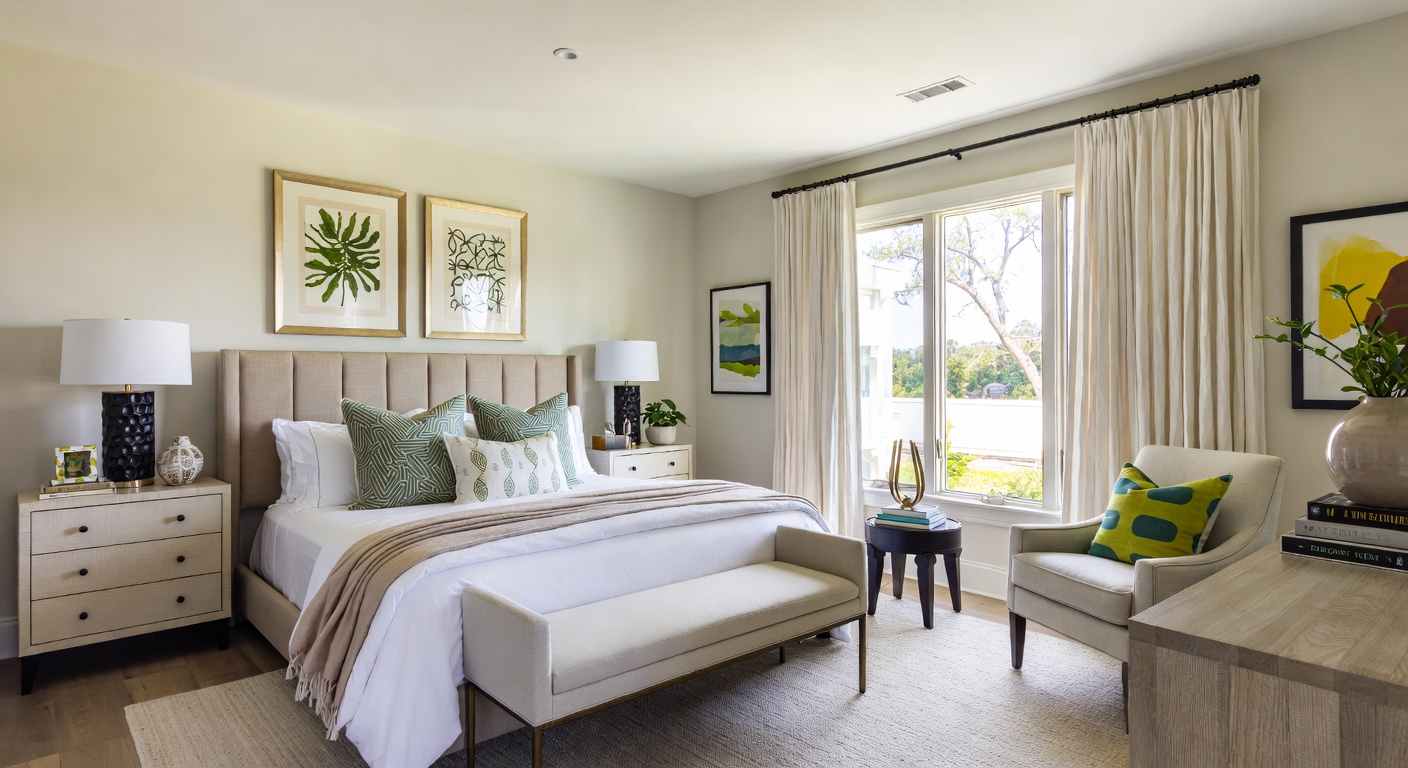
Virtual staging a primary bedroom is straightforward because the furniture vocabulary is consistent: bed, nightstands, lamps, throw pillows, bench or chair. The AI handles these elements reliably, and the result is a photo that makes buyers picture themselves waking up there. Browse AI bedroom design options to see how different styles work in bedroom spaces.
Kitchen and Dining Room
Kitchens sell houses. You can't virtually stage cabinets and appliances into a kitchen, but you can stage the dining area and any open-concept living space adjacent to the kitchen. For kitchens themselves, AI tools can enhance the existing space by adding styling elements — a fruit bowl, pendant lights, bar stools, or a styled breakfast nook.
Dining rooms, meanwhile, are often the most neglected staging opportunity. An empty dining room looks like wasted space. A staged one — table set for six, pendant light overhead, sideboard against the wall — tells buyers exactly how to use it.
Bonus: Home Office
Post-2020, buyers actively look for home office space. If your listing has a spare bedroom or den, staging it as a functional home office can attract remote workers who prioritize workspace. This is a case where virtual staging is clearly superior to physical staging — you can show the same room as both a bedroom and an office with two different AI-generated images.
Virtual Staging for Different Listing Types
Empty Homes
This is the most common and highest-impact use case. Vacant properties sit on market longer and sell for less — the National Association of Realtors reports that vacant homes sell for 6% less on average. AI virtual staging transforms empty listing photos into furnished, lifestyle-forward images that generate online interest and showing requests.
For vacant properties, stage at least the living room, primary bedroom, and kitchen/dining area. If the home has a notable feature — a sunroom, finished basement, or outdoor living space — stage that too.
Occupied Homes with Dated Furniture
Sellers who are still living in the property often have furniture that doesn't photograph well or doesn't match current buyer preferences. AI staging lets you show the room with updated furniture and styling while the seller's actual belongings remain in place. The AI replaces existing furniture with on-trend pieces, giving buyers a vision of the home's potential without asking the seller to move anything.
New Construction and Pre-Sale
Builders and developers can use AI virtual staging to market properties before they're finished. Upload renderings or photos of completed shells and stage them in multiple styles for different buyer segments. This is especially valuable for condos and townhomes where units are identical — stage one floor plan in modern, another in transitional, a third in coastal, and let buyers self-select based on style preference.
Staging Styles That Sell: What Works in Real Estate
Not every design style is appropriate for listing photos. The goal of staging is to appeal to the broadest possible buyer pool, which means avoiding anything too personal, polarizing, or niche. These styles consistently perform well in real estate:
Transitional
The most universally appealing staging style. Transitional design blends traditional comfort with contemporary clean lines — think classic silhouettes in neutral fabrics with modern lighting and minimal clutter. It reads as upscale without being intimidating and works across every price point and property type.
Modern
Clean, minimal, and current. Modern staging works best for newer construction, urban condos, and properties targeting younger buyers. Keep it warm — white walls with wood tones and textured fabrics — rather than cold and sterile.
Hamptons / Coastal
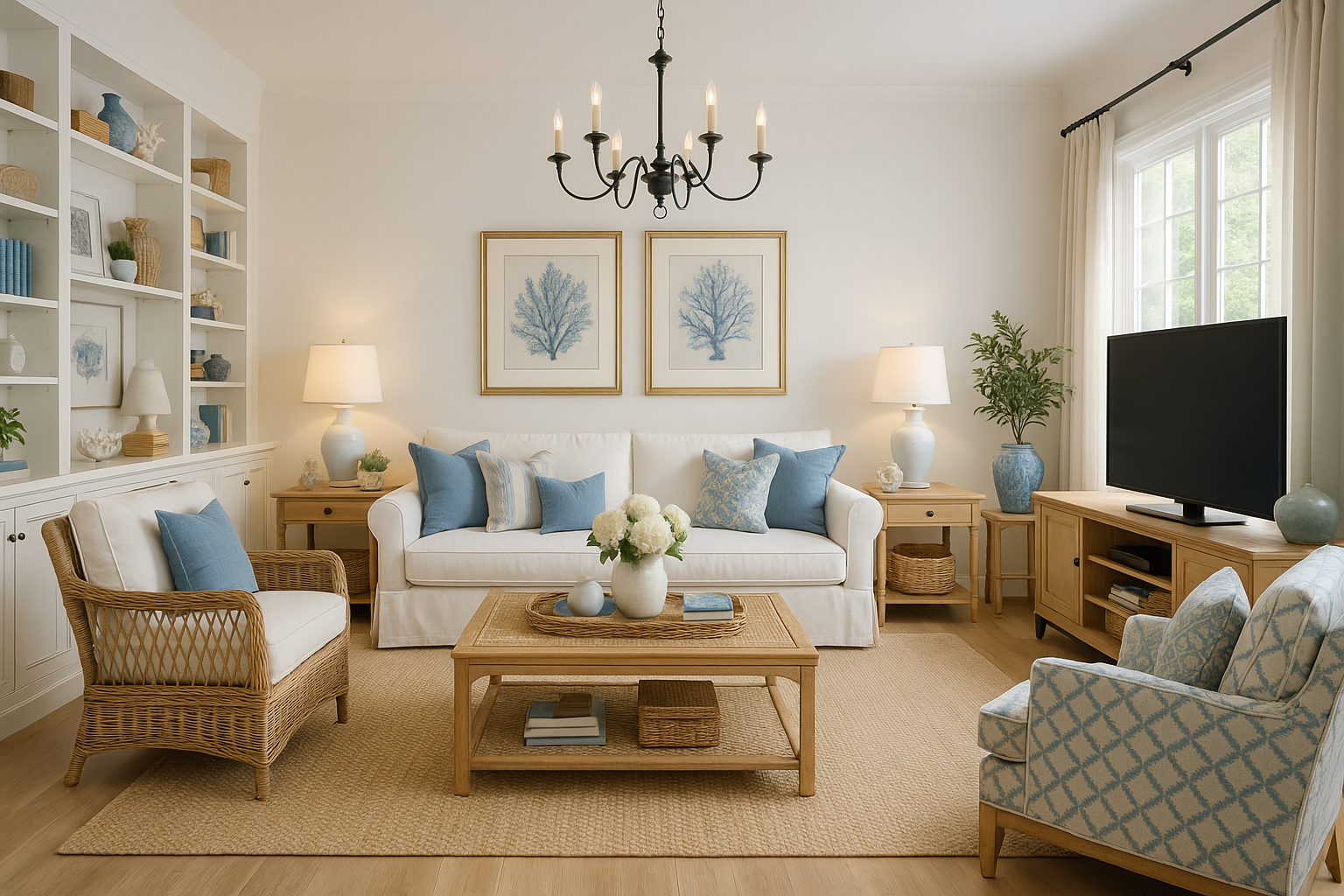
Bright, airy, and aspirational. This style works particularly well for properties near water, in warm climates, or with abundant natural light. The white-and-blue palette photographs beautifully and creates an emotional response in listings.
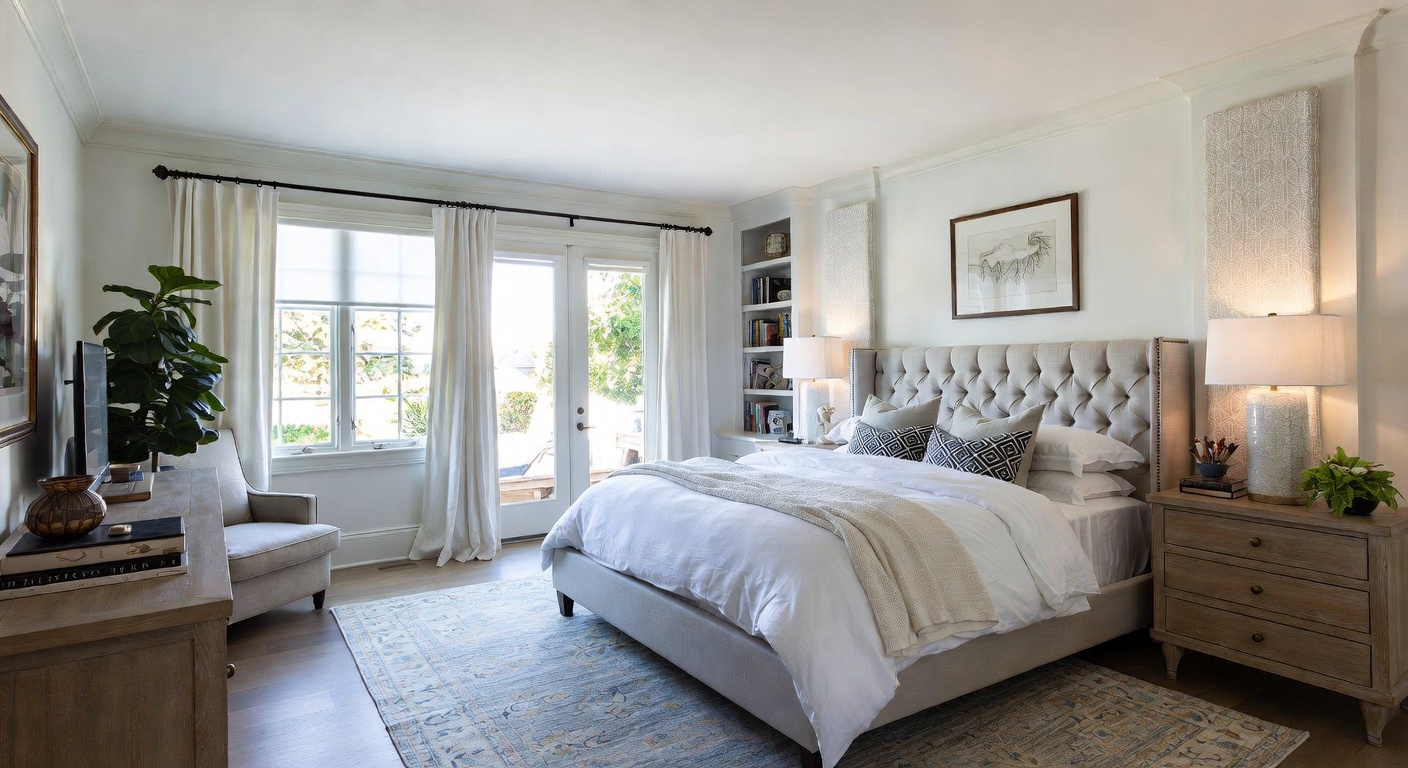
Farmhouse
Still popular in suburban and rural markets. Farmhouse staging — warm woods, comfortable upholstery, vintage-inspired accents — signals a lifestyle that resonates with families and buyers looking for character. Best for older homes, colonials, and properties with existing architectural details like exposed beams or hardwood floors.
For all available staging styles, browse the complete style library. Many real estate agents and home sellers find that generating the same room in two to three styles helps them pick the one that best matches their target buyer.
How to Use AI-Staged Photos in Your Listing
MLS Compliance and Disclosure
Most MLS systems allow virtually staged photos as long as they're properly disclosed. The standard practice:
- Label staged photos clearly. Add "Virtually Staged" as a watermark, in the photo caption, or in the listing description. Most MLS platforms have a specific field for this disclosure.
- Include the original unstaged photo. Best practice is to show both: the AI-staged version and the actual empty room. This builds trust and avoids any accusation of misrepresentation.
- Don't alter structural elements. Virtual staging should add furniture and decor, not remove walls, add windows, or change the floor plan. Altering the property's actual features crosses the line from staging to misrepresentation.
- Check your local MLS rules. Requirements vary by market. Some MLS systems require virtually staged photos to appear after unstaged ones. Others require specific disclaimer language. Confirm with your broker.
Best Practices for Listing Photos
Lead with the staged version. Your first photo gets the most views. Make it the staged living room or the most impressive room in the property. Follow with the unstaged version to set honest expectations.
Stage consistently. If you stage the living room, stage the other key rooms too. A listing with one beautifully staged photo and five empty-room shots creates a jarring disconnect.
Match the price point. Don't stage a starter home with luxury furniture, and don't understage an upscale property. The staging should feel aspirational but believable for the listing price.
Use multiple styles strategically. For social media marketing, you can post the same room staged in different styles to generate engagement and drive traffic to the listing. This is where AI staging shines — generating four versions costs essentially the same as generating one.
Cost Breakdown: AI Staging vs. Alternatives
| Approach | Cost per Listing | Turnaround | Quality |
|---|---|---|---|
| Physical staging | $2,000 - $8,000 | 3-7 days | Excellent |
| Traditional virtual staging (manual designer) | $100 - $300 per photo | 24-48 hours | Good to excellent |
| AI virtual staging (NewInterior AI) | $5 - $50 per listing | Under 60 seconds | Photorealistic |
| DIY (no staging) | $0 | N/A | Poor listing performance |
The math is straightforward. If you're listing 10 properties a year and spending $4,000 per listing on physical staging, that's $40,000 annually. AI virtual staging brings that cost down to under $500 for the same 10 listings — a 97% reduction with comparable marketing impact.
For agents managing multiple listings, the efficiency gain compounds. You can stage an entire portfolio in an afternoon instead of coordinating with staging companies across weeks. Airbnb hosts benefit similarly, using AI-staged photos to market rental properties across seasonal style updates without repeated physical staging costs.
Frequently Asked Questions
Is virtual staging legal for real estate listings?
Yes. Virtual staging is legal and widely accepted across the real estate industry. The key requirement is proper disclosure — buyers must know that photos are virtually staged, not photographs of physical furniture. Most MLS systems have specific fields or guidelines for virtual staging disclosure. As long as you label staged photos clearly and don't alter the property's actual structural features, virtual staging is fully compliant.
How should I disclose that photos are virtually staged?
Follow your local MLS guidelines. The most common approaches are: adding a "Virtually Staged" watermark to staged photos, noting it in each photo's caption, including disclosure language in the listing description, and providing unstaged comparison photos. When in doubt, disclose more rather than less. Transparency builds buyer trust and protects you from complaints.
Can buyers tell the difference between AI staging and physical staging?
With current-generation AI, the quality gap has narrowed significantly. High-quality AI staging produces photorealistic results that are difficult to distinguish from physical staging in listing photos viewed on screens — which is how 97% of buyers first encounter a property. The difference becomes apparent only during in-person showings, which is why pairing staged photos with honest disclosure matters.
Which rooms should I prioritize for virtual staging?
Focus on the rooms that appear first in listings and drive the most buyer interest: the living room, primary bedroom, and kitchen/dining area. These three rooms have the highest impact on click-through rates and showing requests. If budget allows, add the home office and any standout feature rooms (sunroom, finished basement, outdoor living space).
How many styles should I generate for a listing?
For MLS listings, pick one cohesive style and apply it consistently across all staged rooms. For social media marketing, generate two to three style variations of your hero room (usually the living room) to test which drives the most engagement. The flexibility to try multiple styles without additional cost is one of AI staging's biggest advantages over physical alternatives.
Start Staging Your Listings Today
Every day a property sits unstaged on the market is a day it's underperforming. AI virtual staging removes the cost barrier, the time barrier, and the logistics barrier that have kept most sellers and agents from staging every listing.
Upload your first listing photo and see the result in under 60 seconds. Get started with NewInterior AI and transform empty rooms into listings that sell.
Ready to Transform Your Space?
Try NewInterior AI and get professional interior designs in seconds.
Get Started Free